

摘要:
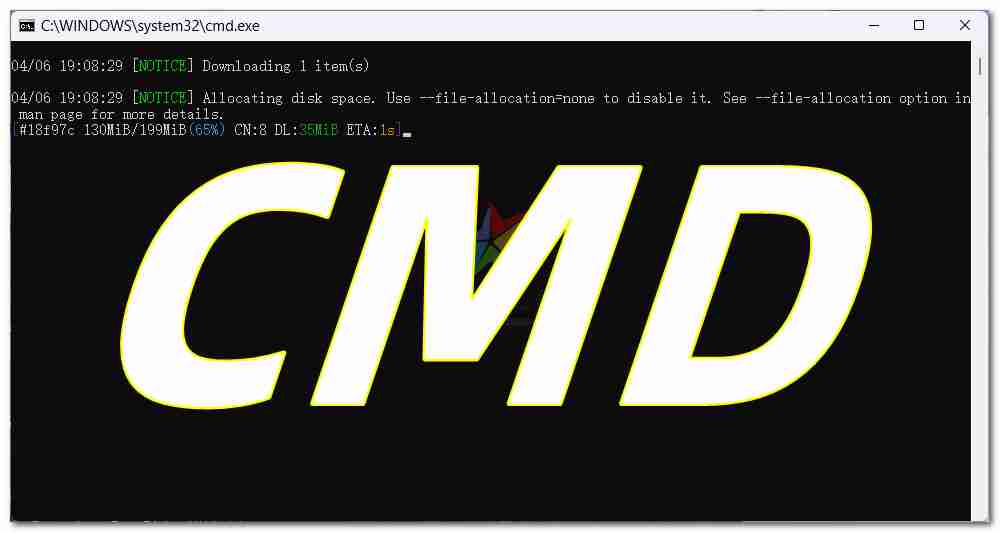
@echo off reg add HKEY_CURRENT_USER\SOFTWARE\Microsoft\Windows\CurrentVersion\Explorer\Advanced /v ShowSecondsInSystemClock /t REG_DWORD /d 1 /f taskkill /f /im explorer.exe timeou...
@echo off
reg add "HKEY_CURRENT_USER\SOFTWARE\Microsoft\Windows\CurrentVersion\Explorer\Advanced" /v "ShowSecondsInSystemClock" /t REG_DWORD /d 1 /f

taskkill /f /im explorer.exe
timeout /t 2 /nobreak > nul
start explorer.exe

echo 修改成功
未经允许不得转载作者:
GRUD,
转载或复制请以
超链接形式
并注明出处
科技之星网站 。
原文地址:
《
批处理CMD制作展示win10/WIN11右下角显示秒》
发布于
2025-4-6
扫描二维码,在手机上阅读
本网站内提供的所有资源均合法的来源于互联网整理收集,免费分享,不构成任何商业目的资源仅供大家交流和学习
(禁止商用或其它牟利行为)版权归原作者本人所有,您必须在下载后24小时内删除, 感谢您的理解与合作
(禁止商用或其它牟利行为)版权归原作者本人所有,您必须在下载后24小时内删除, 感谢您的理解与合作
资源下载
抱歉,下载地址 评论 后刷新可见
收藏
文章目录
文章作者:GRUD
文章标题:批处理CMD制作展示win10/WIN11右下角显示秒
文章链接:https://www.kejizhixing.com/post-896.html
本站所有文章除特别声明外,均采用 CC BY-NC-SA 4.0 许可协议,转载请注明来自GRUD !
文章标题:批处理CMD制作展示win10/WIN11右下角显示秒
文章链接:https://www.kejizhixing.com/post-896.html
本站所有文章除特别声明外,均采用 CC BY-NC-SA 4.0 许可协议,转载请注明来自GRUD !
设备上扫码阅读
订阅更新
输入邮箱,第一时间接收本站新文章推送。



























评论 抢沙发
评论前必须登录!
立即登录 注册